
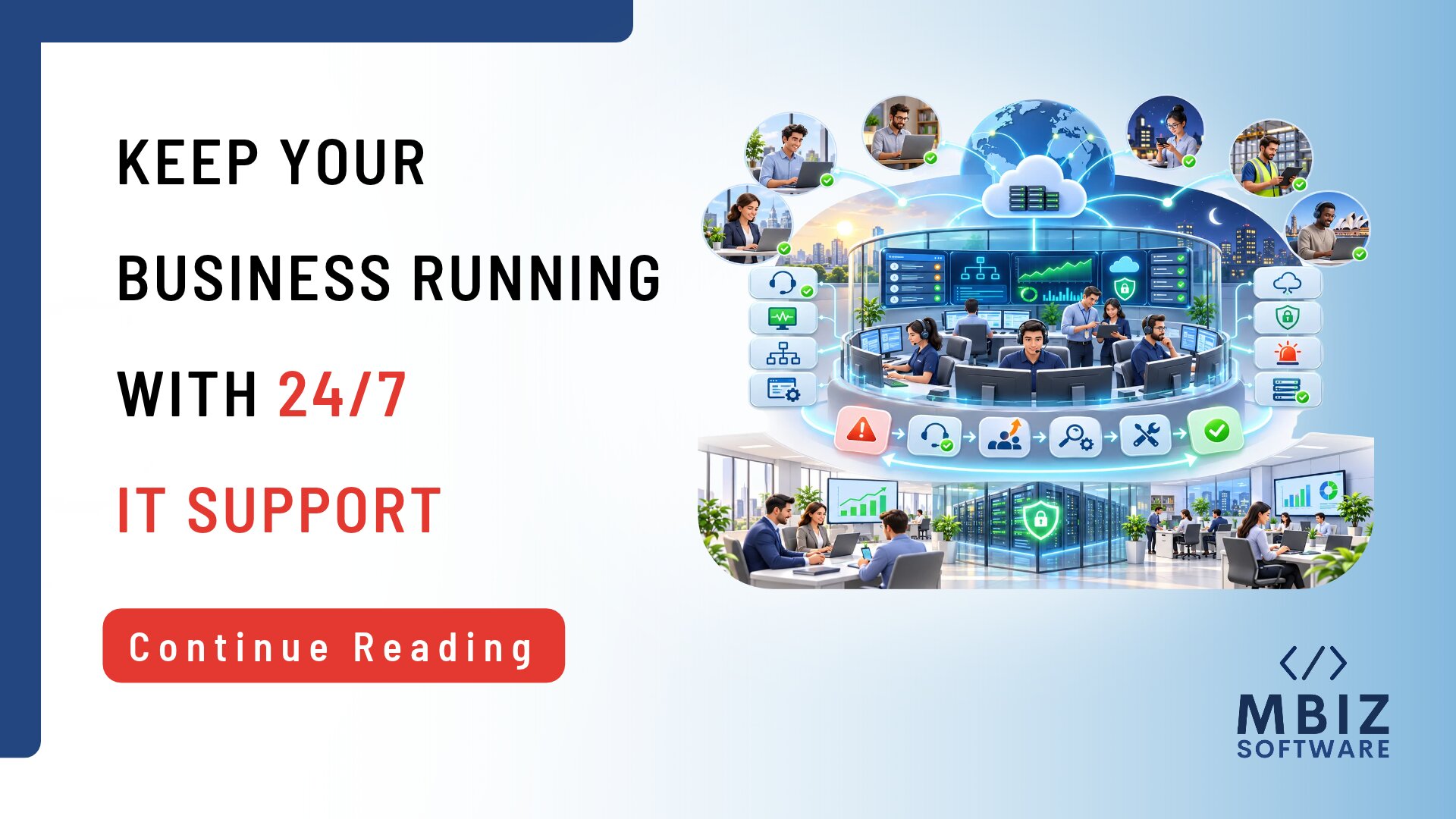
Modern businesses depend on technology to manage daily operations, communicate with customers, and deliver essential services. However, technical problems do not always occur during standard working hours. A system outage late at night, a network failure during the weekend, or an application problem affecting international employees can interrupt business activities and create unexpected costs. 24/7 IT support services help organizations access technical assistance beyond regular office hours, allowing incidents to be acknowledged, investigated, and escalated according to agreed service arrangements. Having appropriate support coverage can help businesses reduce the impact of technical disruptions and maintain operational continuity.
What Are 24/7 IT Support Services?
Understanding Round-the-Clock IT Support
24/7 IT support refers to technical assistance that is available throughout the day and night, including weekends and public holidays, according to the agreed service arrangement.
Traditional business-hours support generally operates within a defined office schedule. When a technical problem occurs outside those hours, employees may need to wait until the next working day to receive assistance.
With round-the-clock support, businesses can have an agreed process for reporting and handling incidents regardless of when they occur. This can be particularly useful for organizations that operate continuously or depend on systems that must remain accessible outside normal office hours.
However, the term 24/7 support does not mean that every issue will be resolved immediately. Actual availability, response commitments, and technical responsibilities depend on the provider’s service agreement.
Helpdesk Support, Monitoring and Incident Response
Although these activities are often discussed together, helpdesk support, system monitoring, and IT incident response serve different purposes.
- Helpdesk support: Assists when employees report technical problems, such as application errors, access issues, or hardware difficulties.
- System monitoring: Uses monitoring tools to observe selected systems, infrastructure, and services for potential problems. Monitoring coverage depends on the tools and services included.
- IT incident response: Involves investigating and managing technical incidents, determining their impact and coordinating appropriate actions to restore affected services.
A provider may offer one or more of these services as part of an IT support arrangement. Businesses should confirm exactly what is included rather than assuming that all providers offering 24/7 support deliver the same level of coverage.
Which Businesses May Need Round-the-Clock Support?
Not every organization requires continuous IT assistance. However, some businesses may benefit significantly from extended support coverage.
These include:
- Businesses with critical systems: Organizations that depend on technology for essential operations may need assistance outside normal working hours.
- Companies with international customers: Businesses serving customers in different time zones may experience technical issues when their local office is closed.
- Organizations with distributed teams: Remote employees working across different locations may require technical support throughout the day.
- Businesses with extended operating hours: Retail, logistics, customer service, and other organizations operating beyond standard office hours may need additional support.
- Organizations with limited tolerance for downtime: Businesses where system interruptions can significantly affect revenue, service delivery, or customer experience may require more extensive coverage.
The appropriate level of support depends on how heavily the organization relies on its technology and the consequences of an interruption.
5 Ways IT Problems Can Disrupt Business Operations
Understanding the types of technical problems that affect daily operations can help businesses decide what level of support they require.
System Outages and Application Failures
Employees rely on business applications to perform tasks, access information, and communicate with colleagues.
When an essential application becomes unavailable, employees may be unable to complete transactions, access customer records, or continue important workflows.
For example, an application failure in a retail business could interrupt sales processing, while an issue with an internal business platform could delay administrative activities.
The longer an important system remains unavailable, the greater the potential operational impact.
Network and Connectivity Problems
Reliable network connectivity is essential for accessing cloud applications, communicating with colleagues, and sharing business information.
Network disruptions can prevent employees from accessing important systems, particularly in organizations that depend on remote working or cloud-based platforms.
A connectivity problem affecting one office may interrupt local operations, while a wider network outage could affect multiple locations and employees.
Cybersecurity Incidents
Suspicious account activity, malware infections, and other security incidents may require prompt investigation and escalation.
For example, an employee may report an unusual login notification or discover that a business account is behaving unexpectedly.
These situations should be handled through appropriate security procedures to assess potential risks and limit further impact.
Having continuous support coverage may help incidents reach the appropriate team sooner, but support availability alone does not prevent cyberattacks. Businesses also need suitable security controls, monitoring, backups, and incident response procedures.
Access and Account Problems
Employees may be unable to perform their responsibilities when they experience authentication problems, account lockouts, or incorrect access permissions.
Although these issues may appear minor, they can delay important activities when the affected employee needs access to essential business systems.
A structured support process helps ensure that access-related requests are recorded, prioritized, and handled by the appropriate personnel.
Unresolved Issues Outside Business Hours
One of the main challenges with business-hours-only support is what happens when a technical issue occurs after employees have finished work.
For example, a system problem reported late on Friday may remain unresolved until Monday if no suitable after-hours support arrangement exists.
This can create additional disruption when employees return to work, particularly if the affected system is required for daily operations.
Appropriate extended coverage can help businesses avoid unnecessary waiting periods for incidents that require attention outside normal working hours.
How 24/7 IT Support Services Help Reduce Downtime
Continuous support coverage can contribute to more effective incident handling when it is supported by clear processes, appropriate technical resources, and defined responsibilities.
Faster Incident Acknowledgement and Escalation
When a technical problem occurs, receiving an acknowledgement is an important first step.
A defined support arrangement helps ensure that reported incidents are directed to the appropriate support personnel according to their priority and impact.
For example, a critical system outage may require escalation to a specialist team, while a routine software request may follow a standard support process.
Clear escalation procedures can reduce unnecessary delays and help critical incidents receive appropriate attention.
Monitoring and Early Identification of Issues
Where monitoring is included in the service, monitoring tools can help identify certain technical problems before employees report them.
For example, monitoring systems may generate alerts when selected infrastructure components become unavailable or when predefined performance thresholds are exceeded.
These alerts can help technical teams investigate potential issues earlier and take appropriate action.
However, monitoring tools do not identify every possible technical problem. Their effectiveness depends on system coverage, configuration, alert thresholds, and the availability of personnel to investigate alerts.
Support for Distributed and International Teams
Businesses with employees across different locations and time zones may struggle with support arrangements limited to one office’s working hours.
Round-the-clock support can provide a more consistent assistance process for employees working outside the organization’s main operating hours.
For example, an employee working an evening shift in one country may require technical assistance while the main office is closed elsewhere.
This can help organizations maintain more consistent employee support across distributed operations.
Consistent Incident Documentation and Handovers
Some technical incidents require investigation across several hours or support periods.
When different support personnel become involved, clear documentation is essential.
Incident records should include details such as:
- The original problem and reported symptoms.
- Systems and employees affected.
- Investigation steps already completed.
- Current incident status.
- Actions taken and outstanding tasks.
- The next steps and responsible personnel.
Proper handovers help ensure that incoming support teams understand the situation without repeating unnecessary investigation.
Learning From Recurring Incidents
Resolving an immediate technical problem is important, but businesses should also understand why it happened.
If similar incidents occur repeatedly, the provider should investigate potential root causes and identify appropriate preventative actions.
For example, repeated network interruptions may indicate infrastructure problems that require further investigation.
Regular incident reviews can help businesses identify patterns, improve technical processes, and reduce the likelihood or impact of recurring problems.
24/7 IT Support vs Business-Hours Support
Both support models can be suitable depending on an organization’s operational requirements. The main difference is the availability of assistance outside standard working hours.
| Area | 24/7 IT Support | Business-Hours Support |
| Support availability | Coverage is available throughout the day and night according to the agreement. | Coverage is limited to agreed business hours. |
| Response expectations | After-hours response arrangements can be defined for different incident priorities. | Requests outside working hours may wait until support resumes. |
| After-hours incidents | Eligible incidents can be acknowledged and escalated outside normal office hours. | Incidents may remain unresolved until the next support period. |
| Operational requirements | More suitable for organizations requiring continuous technical assistance. | Often suitable for businesses operating primarily during standard office hours. |
| Cost considerations | May involve higher costs due to extended coverage and resource requirements. | May be more cost-effective when after-hours coverage is unnecessary. |
| Business suitability | Useful for critical systems, international operations, and extended working hours. | Suitable for organizations with predictable operating schedules and lower after-hours support requirements. |
It is important to understand that 24/7 availability does not automatically guarantee immediate resolution. Response commitments, escalation procedures, technical responsibilities, and service limitations should be clearly documented in the service agreement.
How to Decide Whether Your Business Needs 24/7 IT Support
Before investing in continuous support coverage, businesses should assess their actual operational risks and requirements.
Assess the Impact of Downtime
Start by identifying the systems and processes that are essential to your business.
Consider what would happen if these systems became unavailable for one hour, several hours, or an entire working day.
For example, an organization that processes customer transactions continuously may experience significant disruption from an overnight system outage. A business that performs most activities during office hours may have different requirements.
Understanding the potential impact helps determine which systems need extended support arrangements.
Review Your Current Incident History
Examine previous technical incidents to understand when problems occur and how long they remain unresolved.
Consider:
- How many incidents occur outside standard business hours?
- Which systems experience the most disruptions?
- How long do incidents remain open?
- Which issues have the greatest impact on employees or customers?
- Are similar technical problems occurring repeatedly?
This information can help identify whether existing support arrangements are sufficient.
Identify Required Coverage and Escalation Levels
Not every technical issue needs immediate attention at any time of the day.
Businesses should distinguish between critical incidents requiring prompt action and routine requests that can wait until the next working day.
For example, a complete outage affecting an essential business system may require an after-hours escalation process, while a routine request for software access may not.
Clearly defining these requirements can help businesses choose an appropriate support arrangement without paying for unnecessary coverage.
Compare the Cost of Coverage with Operational Risk
Continuous support may involve additional costs compared with standard business-hours arrangements.
However, businesses should also consider the potential cost of operational disruptions.
These may include:
- Lost sales or missed transactions.
- Employee downtime and reduced productivity.
- Delayed customer service.
- Additional recovery and troubleshooting expenses.
- Disruption to important business processes.
Compare the expected cost of extended support with the potential impact of downtime. This can help management make a more informed decision about the appropriate level of coverage.
What to Check Before Choosing a 24/7 IT Support Provider
Choosing an outsourced IT support provider requires more than confirming that the company advertises 24/7 availability.
Before signing an agreement, review the following areas:
- Clearly defined support hours: Confirm whether coverage genuinely includes nights, weekends, and public holidays.
- Incident severity levels: Check how critical, high, medium, and low-priority issues are classified.
- Response and escalation commitments: Understand how quickly different incidents should receive attention and how they are escalated.
- Communication and reporting procedures: Confirm how employees report problems and how management receives updates.
- Monitoring and preventative maintenance: Check whether monitoring is included, which systems are covered, and how alerts are handled.
- Security incident handling and responsibilities: Understand how suspicious activity and security incidents are reported, investigated, and escalated.
- Coverage limitations and exclusions: Identify systems, locations, technologies, or activities that fall outside the service scope.
- Pricing, service scope, and contract terms: Review costs, included services, additional charges, and contractual responsibilities.
Most importantly, verify what the provider actually delivers. The phrase “24/7 support” can describe different service arrangements, so businesses should understand the specific coverage and commitments included in the contract.
Keep Your Business Running with the Right IT Support Coverage
Technology disruptions can affect employee productivity, customer experience, and essential business operations. However, not every organization needs the same level of support coverage.
The right arrangement depends on your operating hours, critical systems, incident history, and tolerance for downtime.
At MBiz Software, we understand that businesses have different IT operational requirements. If you are reviewing your current support arrangements or exploring outsourced IT support, our team can discuss your requirements and help you consider an appropriate approach.
Whether you need extended support hours, clearer escalation procedures, or broader IT operations support, start by understanding the level of assistance your business actually requires.
Final Thoughts on 24/7 IT Support Services
Technical problems can occur at any time, and businesses that depend on technology need appropriate arrangements to manage unexpected disruptions.
24/7 IT support services can help organizations access assistance outside standard working hours, improve incident acknowledgement, and support employees working across different locations and time zones.
However, continuous availability is only one part of effective IT operations. Businesses also need clear escalation procedures, proper incident documentation, appropriate security safeguards, and regular reviews of recurring problems.
The right support model depends on the criticality of business systems, operating hours, historical incident patterns, and available budget.
By assessing these factors and choosing a service arrangement that matches actual operational requirements, businesses can improve their ability to respond to technical incidents and maintain business continuity.
Frequently Asked Questions
1. What Are 24/7 IT Support Services?
24/7 IT support services provide access to technical assistance throughout the day and night, including weekends and public holidays, according to the agreed service arrangement. They can help businesses report, investigate, and escalate technical incidents outside standard working hours.
2. Does 24/7 IT Support Mean Every Issue Is Resolved Immediately?
No. Continuous support availability does not guarantee immediate resolution. The time required to resolve an issue depends on its complexity, severity, available technical resources, and the service agreement. Response and resolution expectations should be clearly defined.
3. Which Businesses Need Round-the-Clock IT Support?
Businesses with critical systems, international customers, distributed employees, extended operating hours, or limited tolerance for downtime may benefit from round-the-clock support. The decision should depend on the potential operational impact of technical disruptions.
4. What Is the Difference Between 24/7 IT Support and IT Monitoring?
24/7 IT support provides access to technical assistance throughout the agreed coverage period. IT monitoring involves observing selected systems and infrastructure using monitoring tools to identify potential problems. Monitoring can be part of a continuous support arrangement, but the two services are not identical.
5. How Can Businesses Reduce Downtime Caused by IT Problems?
Businesses can reduce IT downtime by maintaining appropriate technical safeguards, monitoring critical systems, establishing incident escalation procedures, keeping systems updated, documenting incidents, and addressing recurring problems. Having suitable IT support coverage can also help ensure that important issues receive attention when they occur.
6. What Should Be Included in a 24/7 IT Support Agreement?
A 24/7 IT support agreement should define support hours, covered systems, incident priorities, response and escalation commitments, communication procedures, service exclusions, responsibilities, pricing and reporting arrangements. Businesses should also confirm whether monitoring, preventative maintenance, and security incident handling are included.