
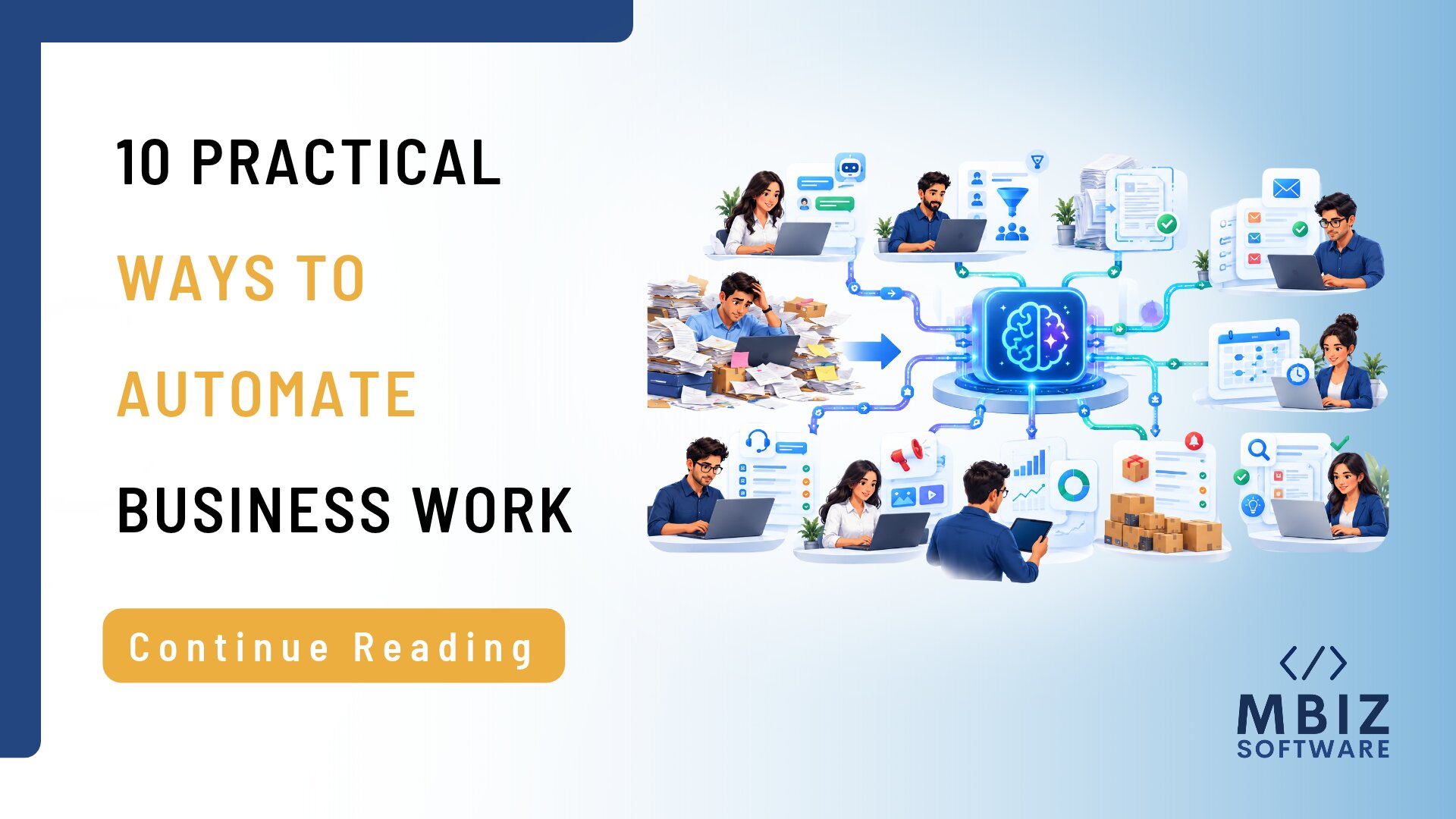
Businesses spend a surprising amount of time on repetitive tasks: answering routine questions, updating records, preparing reports, and transferring information between systems. These activities may seem small individually, but together they can consume valuable hours that employees could spend serving customers, solving problems, and growing the business.
AI automation for businesses can reduce some of this manual workload. By combining artificial intelligence with software workflows, companies can classify information, generate summaries, extract data, and support routine decisions with less manual effort.
However, successful automation is not about replacing every human task with AI. It is about identifying the right processes, applying suitable technology, and maintaining appropriate human oversight.
Here are ten practical business processes to consider automating.
1. Customer Support and Frequently Asked Questions
Customer support teams often answer the same questions about pricing, product features, delivery, account access, and service availability.
An AI-powered support assistant can use approved business information to respond to common questions, guide customers to relevant resources, and collect basic details before transferring complex enquiries to a staff member.
This can help businesses provide more consistent responses and reduce the pressure on support teams.
Where to start: Identify the ten most common customer enquiries and prepare accurate, approved answers. Start with a limited set of questions and provide a clear route to human support whenever the assistant cannot respond confidently.
Monitor AI-generated answers, especially when enquiries involve payments, complaints, sensitive information, or contractual commitments.
2. Lead Qualification and Enquiry Management
Sales teams may receive enquiries through websites, email, forms, and social media. Manually reviewing each enquiry can delay follow-ups and make prioritization difficult.
AI automation can classify incoming enquiries based on factors such as the requested service, company size, location, and stated requirements. The workflow can then assign leads to the appropriate team, summarize the enquiry, and prepare a draft response.
This does not mean AI should make every sales decision. Sales representatives should review important leads and confirm that the classification makes sense.
Where to start: Automate the collection and categorization of website enquiries before introducing more advanced lead scoring.
3. Document Processing and Data Extraction
Invoices, purchase orders, application forms and supplier documents often contain information that employees must copy into other systems.
AI-assisted document processing can extract fields such as names, dates, reference numbers, and line items from supported document formats. The extracted data can then be sent to a workflow for validation and approval.
For example, an invoice-processing workflow could identify the supplier, invoice number, and total amount, then flag missing fields or unusual values for review.
Accuracy is critical. Businesses should validate extracted information before using it for payments, accounting, or other high-impact activities.
4. Email Sorting and Response Drafting
Employees can lose significant time sorting incoming emails, identifying priorities, and preparing routine replies.
AI can classify emails by topic, summarize long conversations, and draft responses based on approved templates. A workflow can also route messages to the correct department or create a task when an email requires action.
For example, an IT support mailbox could categorize messages into access requests, technical issues, and general enquiries.
Where to start: Automate email categorization and draft suggestions first. Keep a person responsible for reviewing and sending messages, particularly when they contain sensitive or commercially important information.
5. Report Preparation and Business Summaries
Preparing weekly or monthly reports often involves collecting information from multiple systems, organizing data, and writing explanations for management.
AI can help summarize validated reports, highlight unusual changes, and turn structured findings into readable commentary. For instance, a sales team could use an automated workflow to produce a weekly summary of sales activity, outstanding leads, and changes against targets.
AI should not be treated as the source of truth for business figures. Calculations should come from reliable data systems, with AI used to explain or summarize the results.
This approach can reduce reporting effort while preserving the importance of accurate underlying data.
6. Appointment Scheduling and Reminders
Businesses that rely on consultations, service appointments, or scheduled customer visits often spend time coordinating availability and sending reminders.
Automation can connect booking forms, calendars, and notification systems to confirm appointments, send reminders, and alert staff when bookings change.
AI can add value by interpreting natural-language requests or assisting customers in finding suitable appointment options. However, availability should always be checked against the actual scheduling system.
A well-designed workflow can reduce missed appointments and unnecessary administrative follow-ups.
7. Inventory Alerts and Demand Analysis
Retailers and distributors need to know when stock is running low, which products are selling quickly, and where purchasing decisions require attention.
Inventory automation can trigger reorder alerts when stock reaches defined thresholds. AI can further assist by analyzing historical sales, seasonal patterns, and other relevant information to support demand forecasting.
For example, a retailer may use past sales data to identify products that tend to sell faster during particular periods.
Forecasts are not guarantees. Businesses should account for promotions, supplier delays, unusual events, and incomplete records before changing purchasing decisions.
8. Knowledge Management and Internal Search
Employees often spend time searching through documents, policy manuals, project notes, and internal procedures to find information.
An AI-powered internal assistant can help staff locate relevant information and summarize approved documents. With suitable permissions, employees could ask questions about internal processes instead of manually searching multiple folders.
The system must respect access controls, keep information current, and identify the source of its answers where possible.
Start with a well-maintained collection of approved documents rather than connecting every internal system at once.
9. Marketing Content and Content Operations
Marketing teams regularly create campaign briefs, social media drafts, email variations, and content summaries.
AI can assist with brainstorming, creating first drafts, adapting approved content for different channels, and organizing content calendars. It can also summarize campaign data to help teams identify areas that deserve further analysis.
However, generated content still requires human review for accuracy, brand voice, originality, and relevance. AI should support subject-matter expertise rather than replace it.
A practical first step is to automate repetitive content preparation while keeping strategy, final approval, and sensitive communications under human control.
10. IT Support Ticket Classification and Routing
Internal IT teams receive requests involving password access, software issues, equipment, permissions, and system errors.
AI automation can classify incoming tickets, identify relevant details, suggest knowledge-base articles, and route requests to the right support team.
Simple, approved requests may be handled through automated workflows, while complex or high-risk issues should be escalated to a qualified technician.
For security-sensitive actions, such as granting access or changing permissions, use established approval procedures rather than allowing an AI system to act without appropriate controls.
How to Choose the Right Process for AI Automation
Not every process is a good candidate for AI. The best starting point is usually a task that is repetitive, time-consuming, sufficiently documented, and easy to review.
Before implementing AI automation for businesses, assess each potential workflow against these questions:
- How frequently does the task occur?
- How much employee time does it consume?
- Is the required information reliable and accessible?
- What happens if the automation makes a mistake?
- Can a human review or reverse the result?
- How will success be measured?
Begin with one workflow, record its current performance, and compare the results after implementation. Useful measures include processing time, error rates, response times, and employee hours saved.
Also consider data privacy, access permissions, integration requirements, and ongoing maintenance. An automated process that cannot be monitored or supported may create more work than it removes.
Make AI Automation Work for Your Business
AI automation can help businesses reduce repetitive work, improve consistency, and give employees more time for higher-value activities. The most effective implementations begin with a clear business problem rather than a desire to adopt AI simply because the technology is available.
MBiz Software can be a starting point for businesses exploring software development, technology integration, and automation opportunities. Contact MBiz Software to discuss your workflow challenges and identify where a practical technology solution could make a measurable difference.